
GTA 5 was first released in 2013 and has become one of the best-selling video games ever. In GTA 5 Online, buying properties is essential to making money and progressing in the game. You may need to sell your properties to make room for better ones or to free up some cash.
In this guide, we’ll walk you through everything you need to know about how to sell property in GTA 5 online.
How Do You Get Rid of Properties in GTA Online?
To get rid of properties in GTA Online, you need to follow these steps:
- Access the property you want to sell and select the Sell option from the interaction menu.
- Choose the option to sell the property and confirm the sale.
- You will receive a percentage of the property’s original purchase price as your payment.
- If you have any vehicles or items stored on the property, you’ll need to remove them before selling.
- When you’ve sold the property, it will be permanently removed from your inventory, and you won’t be able to get it back.
Top Picks for Gamers: Best Drift Car in GTA 5
What Can You Sell in GTA 5 Online?
In GTA 5 Online, you can sell various items such as vehicles, properties, businesses, and illicit goods like stolen vehicles and drugs. You can also sell some loot you acquire during heists, missions, and jobs. On the other hand, some items cannot be sold, such as special vehicles, Pegasus vehicles, and the personal vehicles of other players.
How to Sell Your House in GTA 5 without Buying a New One?
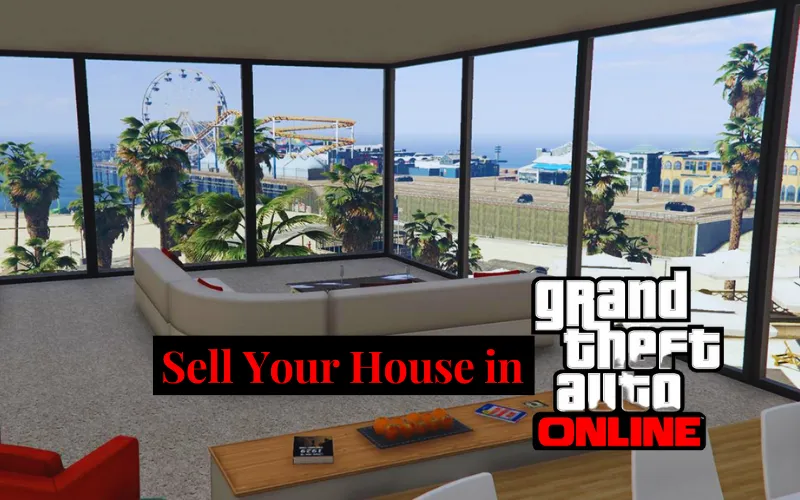
If you need to get rid of your house in GTA 5 without buying a new one, you must first access the property from the interaction menu. Then, when prompted to purchase a new property, select No to complete the sale without buying a replacement. This way, you can sell your house in GTA 5 without purchasing a new one.
How to Sell Nightclub in GTA 5 Online?
You must follow simple steps to sell your Nightclub in GTA 5 Online. First, access the Nightclub’s computer and select Warehouse Management from the Nightclub Management tab.
Then, select Sell Goods and choose which goods you want to sell. When you’ve sold all your goods, you can select Sell Nightclub from the Nightclub Management tab to complete the sale.
How To Use and Detonate Sticky Bombs in GTA 5 PC?
How Do You Sell Your Garage in GTA 5 Online?
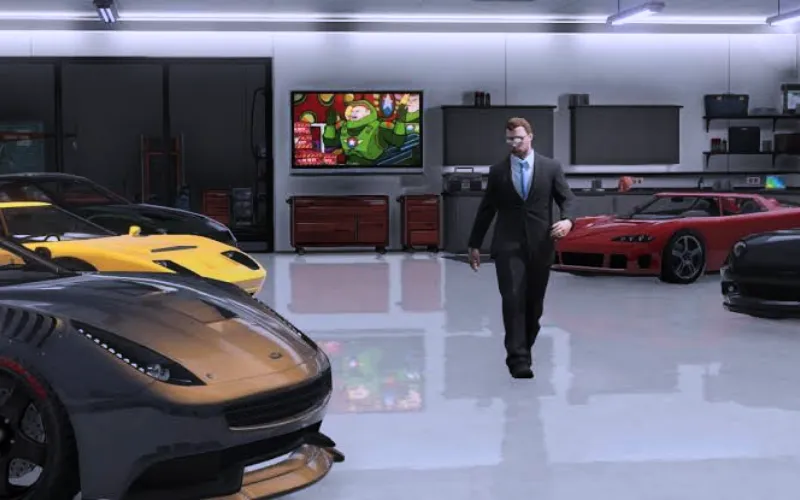
To sell your garage in GTA 5 Online, follow these steps:
- First, ensure you have removed all vehicles and items from the garage you want to keep.
- Go to the garage you want to sell and access the blue circle marker outside.
- Select Sell Garage from the menu and confirm the sale.
- You will receive a percentage of the original purchase price of the garage as your payment.
- After the sale, the garage will be permanently removed from your inventory, and you won’t be able to get it back.
How to Sell Property in GTA 5 Online without Trading?
You must follow simple steps to sell property in GTA 5 Online without trading. First, access the property you want to sell, and on the confirmation of the sale, receive your payment. There is no need to trade with other users.
Is GTA 5 a big download?
Yes, the game’s PC version can require up to 100 GB of storage space, while the Xbox One and PlayStation 4 versions can require up to 80 GB of storage space.
Is GTA 5 offline?
Yes, GTA 5 can be played offline. The single-player story mode can be played offline without an internet connection, offering a complete and engaging experience.
Selling your properties in GTA 5 Online can be a profitable way to make money and free up space for new opportunities. Following the steps in this guide, you can sell your properties confidently and easily and make the most of your GTA 5 Online experience.
Conclusion

As a former QA Lead for a major RPG studio, Freja possesses an unparalleled understanding of game mechanics and systems. She is the architect of our in-depth Game Guides, specializing in creating comprehensive walkthroughs and optimized character builds. Her guides are designed to help players master their favorite games and uncover every hidden secret.