
In the intricate world of computer hardware, the motherboard stands as the central nervous system, orchestrating the symphony of components. However, even the most resilient motherboards can succumb to failure. This article delves into the realm of motherboard glitches, exploring the primary question: Which of the following is a top cause of motherboard failure?
What Causes Motherboard Failure?
Motherboard failures can result from a myriad of issues. The leading cause is often related to power surges. When an electrical spike occurs, it can damage delicate components on the motherboard, rendering it dysfunctional.
1) Signs of Motherboard Failure: Decrypting the Code
Identifying motherboard failure early is crucial. Look out for signs such as system crashes, erratic behavior, or failure to power on. Sometimes, a burnt smell or visible damage on the motherboard may serve as a red flag.
2) Common Problems with Motherboards: Unveiling the Mystery
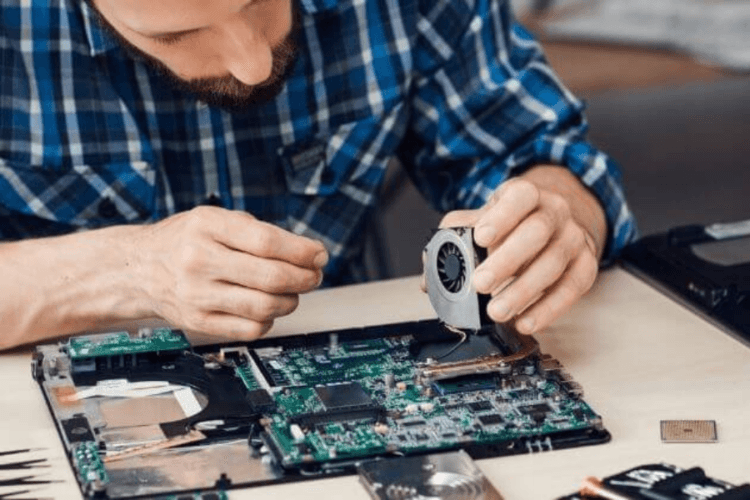
Motherboards face various challenges. Among the most prevalent is faulty capacitors. These small, cylindrical components can leak or bulge, disrupting the smooth functioning of the motherboard.
3) Motherboard Failures in Laptops and Desktops:
While desktop and laptop motherboards share similarities, they differ in terms of design and vulnerability. Laptops are more prone to overheating due to their compact size, potentially leading to motherboard failure.
7 Reasons a Motherboard Fails
- Power Surges: Sudden electrical spikes can overwhelm the motherboard.
- Faulty Capacitors: Damaged or leaking capacitors disrupt electrical flow.
- Overheating: Excessive heat can cause components to fail.
- Physical Damage: Mishandling or accidents can harm the motherboard.
- Aging: Wear and tear over time can lead to component failure.
- Manufacturer Defects: Poor quality control may result in inherent issues.
- Software Issues: Malware or corrupted firmware can impact motherboard functionality.
Read Also: How To Test Motherboard Faults Complete Guide
Preventing Motherboard Failures: A Proactive Approach
Understanding the causes of motherboard failure lays the foundation for prevention. Employ these strategies to safeguard your motherboard:
- Surge Protectors and Uninterruptible Power Supplies: Shield your computer from power surges with surge protectors and UPS devices.
- Regular Maintenance: Keep your computer clean and well-ventilated to prevent overheating. Check for dust accumulation and clean the internal components periodically.
- Proper Handling: Exercise caution when installing or removing hardware components. Mishandling can lead to physical damage and subsequent motherboard failure.
Repairing Motherboard Failures
In the unfortunate event of a motherboard failure, some issues can be addressed through DIY troubleshooting. Here are the steps you can take:
- Check for Visual Damage: Inspect the motherboard for burnt or damaged areas. If visible damage is found, it may be necessary to replace the affected components.
- Test with Minimal Components: Remove unnecessary components and peripherals, leaving only essential hardware (CPU, RAM, and power supply). This helps identify if the motherboard is the root cause.
- Update BIOS/UEFI: Ensure your motherboard’s firmware is up to date. Sometimes, a simple BIOS/UEFI update can resolve compatibility issues and improve stability.
Which of the following can cause the motherboard on a computer to fail?
Power surges, faulty capacitors, overheating, physical damage, aging, manufacturer defects, and software issues are common causes of motherboard failure.
What are the signs of motherboard failure?
Signs include system crashes, erratic behavior, failure to power on, a burnt smell, or visible damage to the motherboard.
What is the most common problem with the motherboard?
Faulty capacitors are a common issue, disrupting the electrical flow on the motherboard.
What causes motherboard failure in laptops and desktops?
Laptops are more prone to overheating due to their compact size, while desktops face challenges such as power surges and faulty components.
Can motherboard failures be prevented?
Yes, employing surge protectors, regular maintenance, and proper handling can help prevent motherboard failures.

With over a decade of hands-on experience in troubleshooting PC hardware and gaming software, Stanley Kessler is our go-to expert for solving complex technical problems. He creates clear, step-by-step guides that help gamers navigate everything from motherboard BIOS issues to in-game bugs. Stanley’s passion is empowering readers to fix their own tech problems and get back to gaming faster.