
The Buttkicker gamer plus is an advanced sim racing game changer immerses gamers in their gaming deeply. It is the new haptic device for sim racing and gaming purposes. It introduces a strong effect and immersive gaming experience. Adding this device, you can experience a new level of realism. The Buttkicker offers you a better race, extreme control, more feel, and race faster with good control and wins more.
What Does a ButtKicker Do in Sim Racing?
The idea behind a Buttkicker or a tactile transducer sim shaker is that while sim racing through force feedback gives you a good feeling of the steering wheel. First, you take a low-frequency emitter and mount it onto a cockpit, and that can give you a simulated seat-of-the-pants feeling.
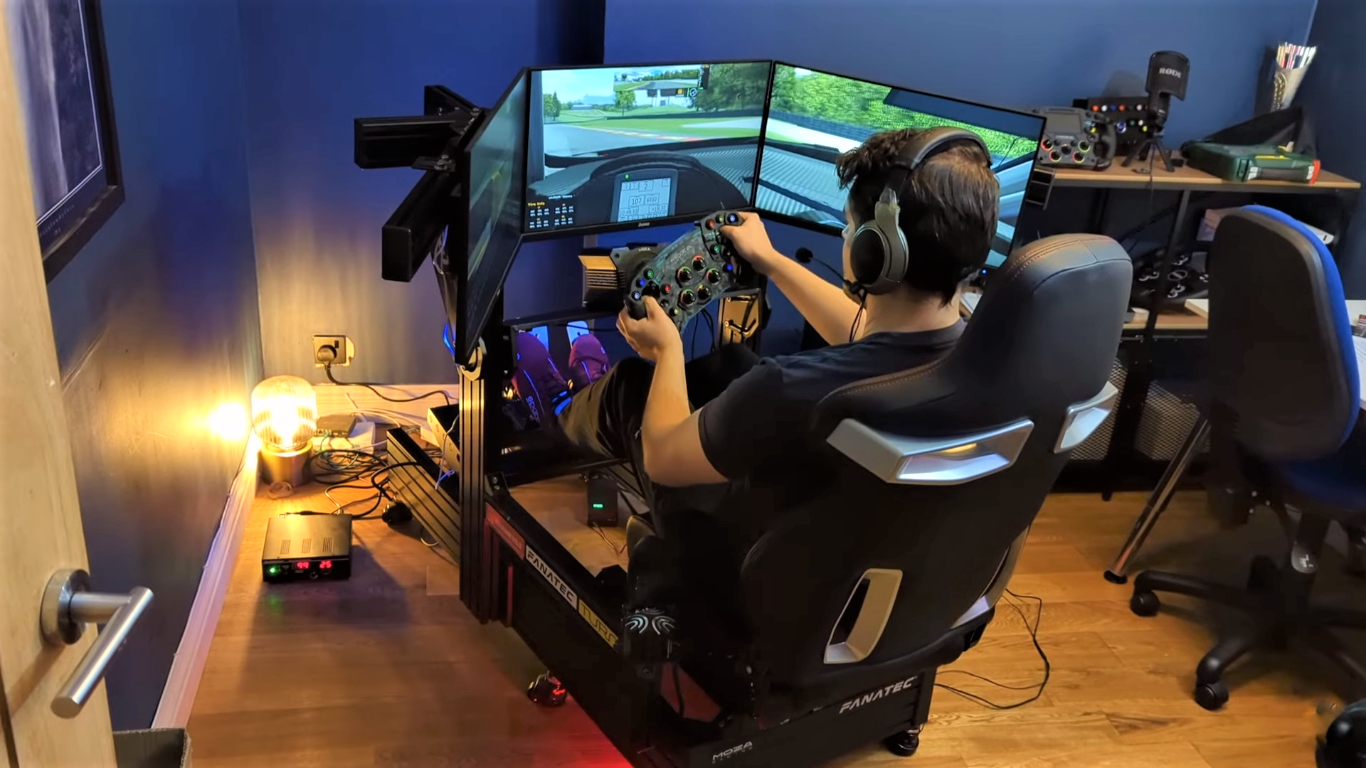
It will not throw you around like a motion rig or something like that, but you get that engine rumbling and kick in the pants while you are shifting gears. This will add extra depth and immersion to a sim racer.
It will add depth and extra dimension of feedback to your sim racing. If you use Buttkicker Gamer plus haptic system once, you will feel downright empty without it. It adds up the natural spice in your sim racing.
ButtKicker PLUS Power Amplifier BKA-PLUS
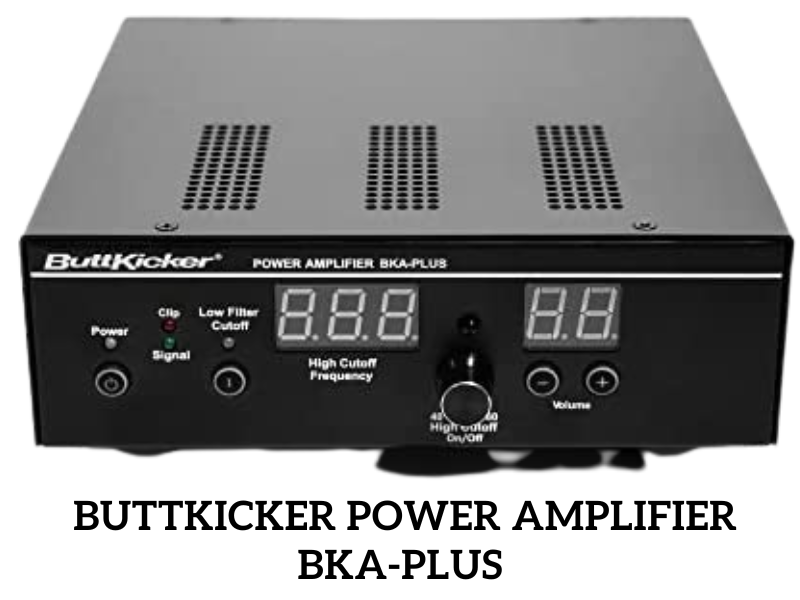
| Specifications | Tested Values |
|---|---|
| Dimensions | 9.4″ L x 7.6″ W x 2.8 “H |
| Weight | 3.7 Lbs |
| Frequency Response | 10-300Hz |
| Power Output | 90 watts RMS @ 2 ohms |
ButtKicker PLUS Haptic Transducer
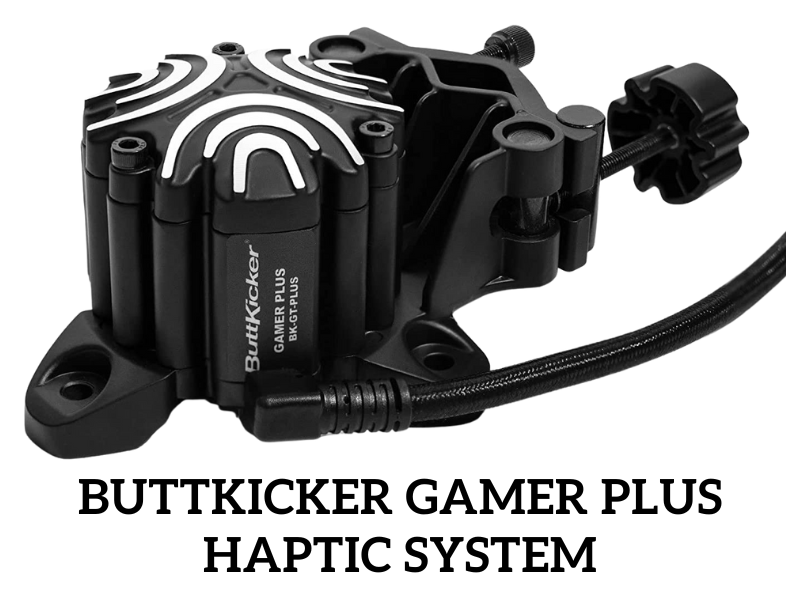
| Specifications | Featured Values |
|---|---|
| Weight | 2.7 lbs. |
| Frequency Response | 5-200 Hz |
| Piston Weight | 6 oz. |
| Nominal Impedance | 2 Ohm |
| Power Handling | 75 watt min. / 250 watt max. |
| Voltage Range | 100V – 240V Universal |
Buttkicker Gamer Plus
The Buttkicker Gamer plus replaces the previous versions of the Gamer 2 and Buttkicker Sim Kit. The Buttkicker gamer plus is a new haptic device designed to boost performance and immersion. It offers perfect, robust, superior user satisfaction in sim racing and faster response times.
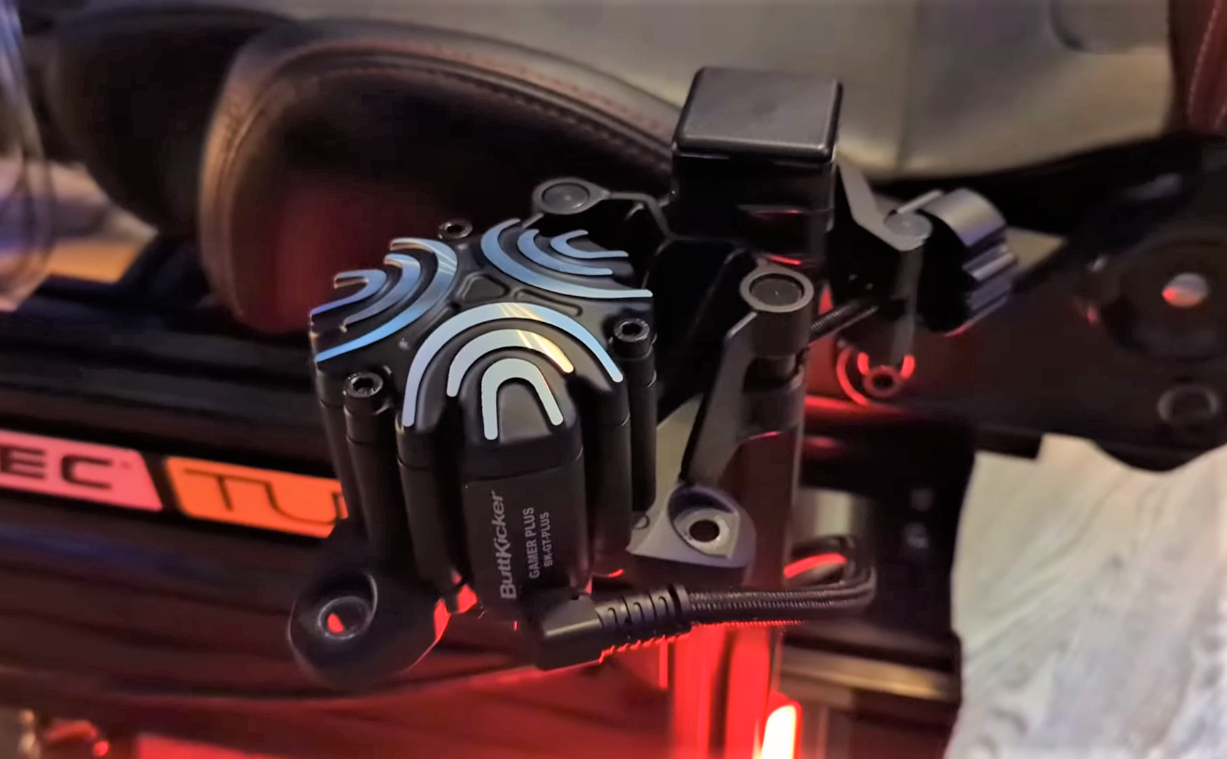
The Gamer 2 retailed at around $200, and the Gamer plus retailed at $280, which is undoubtedly quite the increase. It comes with several notable improvements and features. Buttkicker Gamer 2 makes you hear and feel as you see things in the game. It is compatible with PC, PS4, and Xbox.
Buttkicker Plus Haptic Kit
The Buttkicker gamer plus haptic system with hardware and software has the most extraordinary ability to deliver precise and high fidelity sim-racking tactile feedback capability by in-game audio and telemetry data.
Since I am using the Buttkicker plus haptic kit connect software on PC. It was as simple as connecting for me. Everything was together and routed a single USB onto my PC, where it was immediately recognized. The Gamer plus has upgraded cabling, interconnection, clamping, and mounting solutions.
The amplifier has a digital volume display and wireless remote to limit the amount of cable and clutter. The haptic transducers bring tactile feedback to your game experience by automatically shaking and vibrating your chair or cockpit.
The butt kicker software gathers information from the game’s telemetry and provides feedback to singular sensations. For example, when going on a curb, the seat will rumble. When crashing or heating something, you will feel the thump.
When shifting through gears, you will feel the changes occurring in the gearbox. The Buttkicker Hapti connects, and third-party software will allow you to tune all of those sensations. The Buttkicker primarily intends to increase immersion.
It could also increase track performance as it is yet another indicator of how your car is reacting. The sensation is not typically or as clearly felt through your wheel, such as locking your tires to become more apparent.
How Do I Install ButtKicker Plus?
Here, I guide you Installation of the transducer onto our rig, how to wire everything else up, and get it all set correctly. Now ready to have the next level racing cockpit GT track. If we are installing one, the best place to install it is underneath your seat in your cockpit.
It should have come with Buttkicker gamers to mount. You bolt to the bottom of your seat, and then you would undo it. The little claps on the bottom of the Buttkicker, so basically, unscrew it. Then make sure it’s released enough to claim onto the sink.
Then fold it out and put it across; bolt it back. I am upside down and put it across the top here. Screw it down again nicely tight. This assumes that you will only be using one of these. What some people do is install four.
Buttkicker Setup
- When installing the extension cable. It does not matter which way around you flip the polarity with this. Just plug in it. We can install the banana plug again; it does matter which way you put it. The polarity is marked, but it doesn’t matter because it is a single voice call. Plug in your jug cord now. We want to plug in the RCA cable, so if you run a single amplifier, you can plug in both. It will just link the left and proper channels together as a single mono input; otherwise, you will want to install the top plug, which is the black one.
- Next, we must plug a 3.5 mm stereo jack into the audio output. This might be the green output on your sound card on your motherboard. You can plug in the Y splitter if you have an additional source. Plug both sources into the Buttkicker amplifier and your speaker or headphone. Then plug the jack into the sound card. We have got everything plugged in.
- Now I need to set up the software. I have got a sound control panel up now. If you have only got one audio output on your machine, so be it your motherboard or your sound card. This is because you are going to need to use that Y cable. You can have sound through your speaker or headphone and output to the Buttkicker amplifier. The limitation here is that we have only got one audio output.
- We need to control how the Buttkicker will perform independently of the audio signal that you would have sent to your speaker. We can’t control things like engine vibration or engine noise ripple strips. You know, track effects and things like that independently of the rest of the system.
- Now, if we have multiple audio devices, we can independently control things. Click on choose your output device here, and you can see we have a range of various outputs here that are available on my machine.
- I have my USB audio interface, which I use for my chat on twitch. I have got my real tech digital output which is the output which is the output that is used for my game audio through my Astro headphones. I got the real tech high-definition audio, which I have got the Butt kicker plugged into.
- Now I have got my speakers through the chat, which I use for discord. Then I have also got my two monitors because you both use a display port or HDMI. That protocol also supports audio.
- If you have an HDMI or display port monitor, chances are you will be able to use that audio output, so don’t think automatically that you need to buy a sound card just to run your Buttkikar. You will have an output you can use now because this is our game audio.
I am going to close that for now; we need to look at the actual software we are going to use to control the Buttkicker, so there are a couple of different options that you have available to you here now.
The first one, which I will look at here, is the most welcome; you can see here it’s 89 US dollars to buy the software. I want to be less than 89 dollars for an additional piece of software so that I will go to your sim hub site. This is an incredible way to have a third-party display.
Buttkicker Amplifier
The Buttkicker amplifier BKA1000-P is designed to maximize your transducers. It is the all-new digital layout to be able to see the frequency and volume intensity. This is a fantastic rack mountable and wireless remote that controls very coolly.
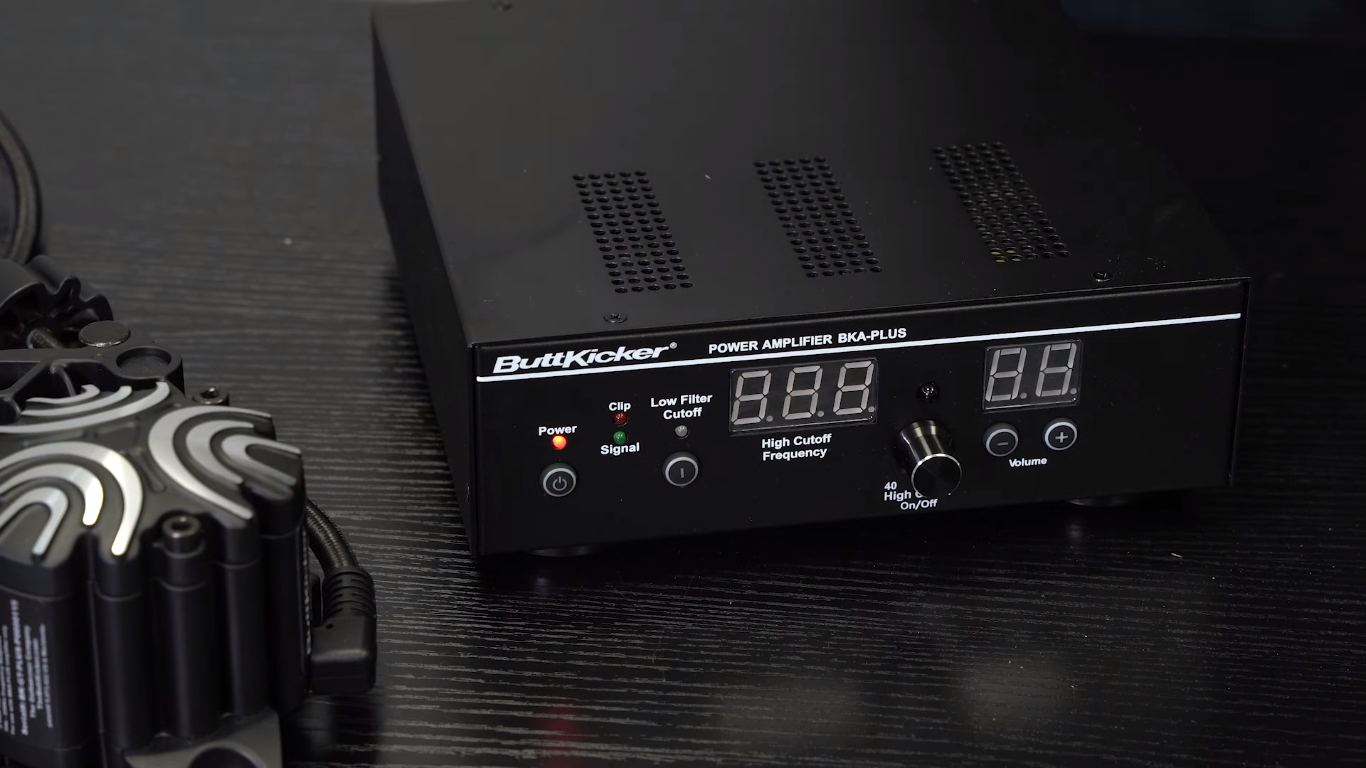
You must know the matches with the other component, which is fantastic. This amplifier is a perfect pairing for your home theater and has an excellent setup. It brings the power you need.
Buttkicker Sim Racing
Buttkicker Gamer Plus continues the company’s well-known reputation in the Sim Racing world. The Buttkicker system keeps you close to the real world in a sim racing environment. In sim racing, the butt-kicker plus haptic kit features allow you an immersive racing experience.
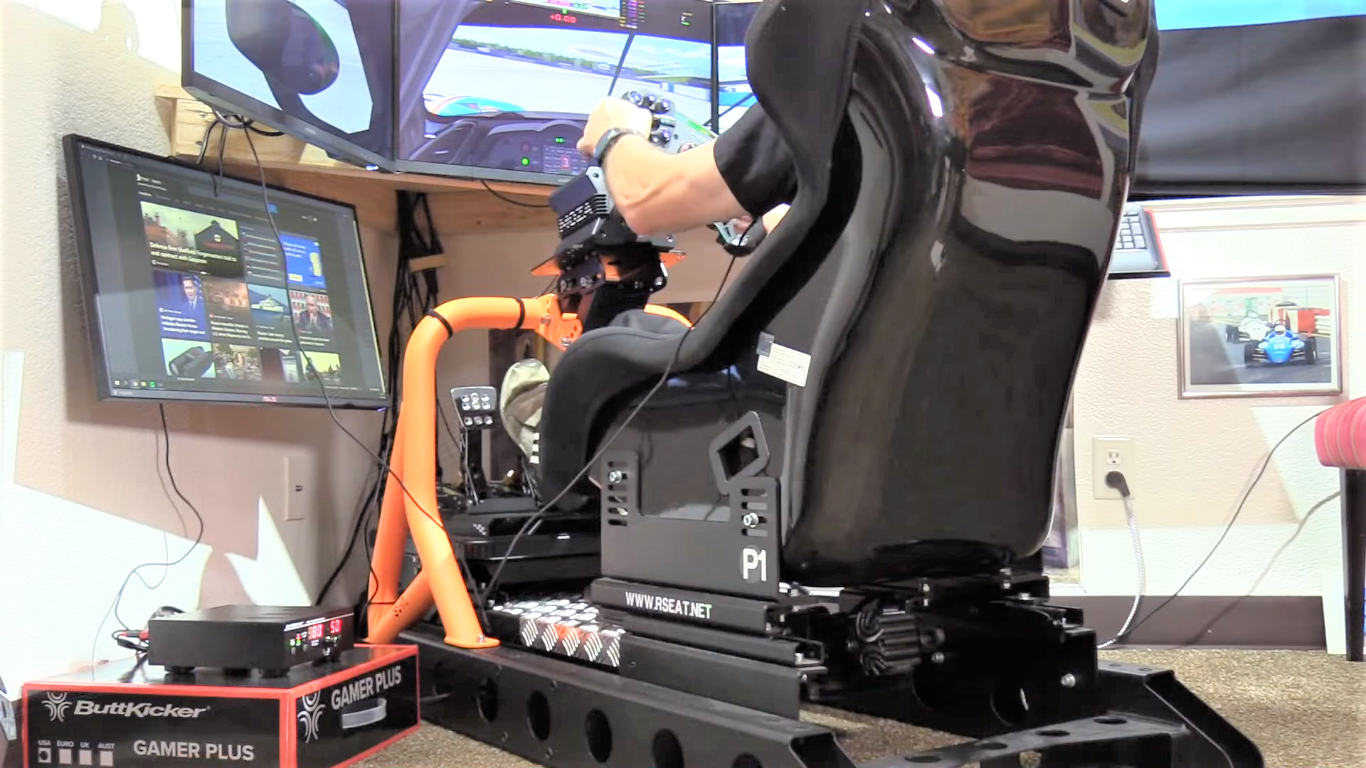
The Buttkicker sim racing adds a lot of quality-of-life upgrades to up the user experience. I perform standard points, and the sensations and gives off have become essential for many. It’s certainly not cheap, but you get what you pay for. It is a well-built piece of hardware that will boost your sim racing experience.
Inside the Box
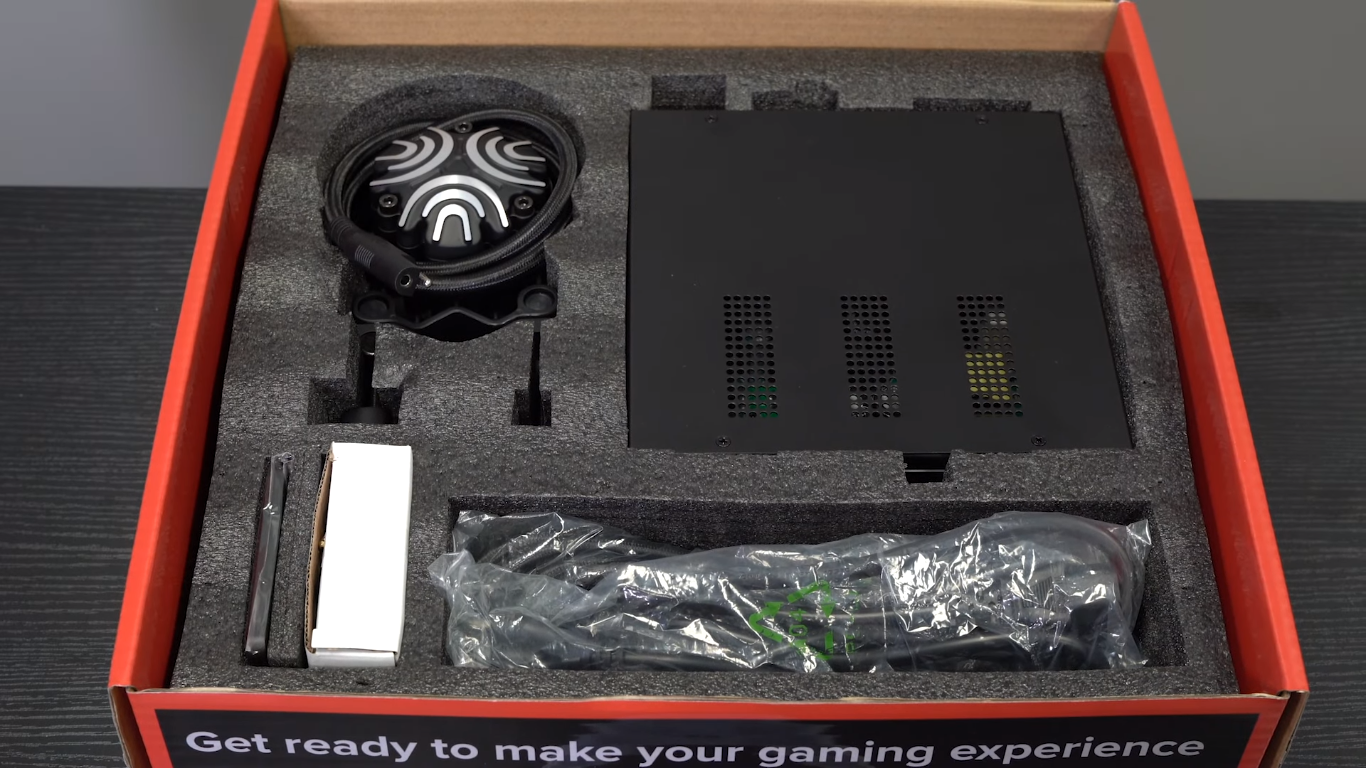
You will get the thing included,
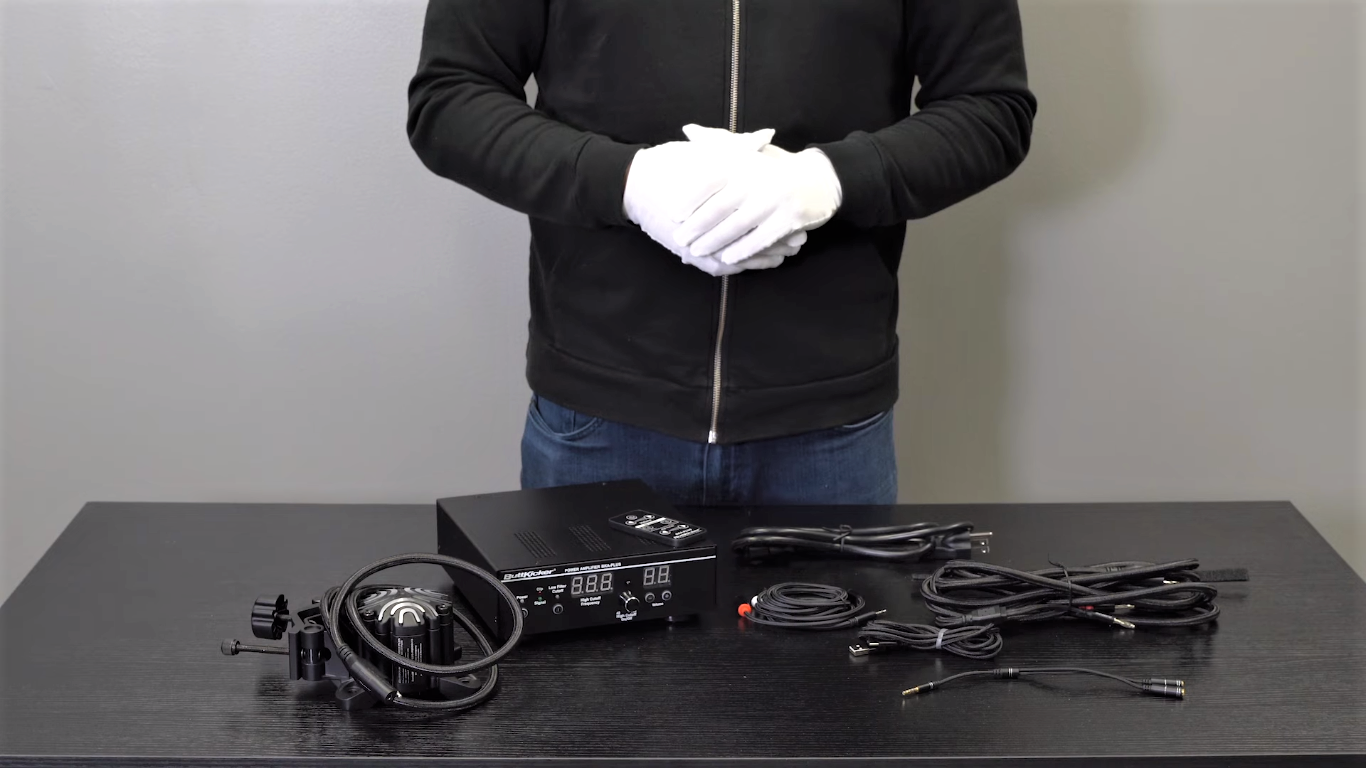
- The redesigned haptic transducer with the universal clam
- 90w new Buttkicker power amplifiers and its wireless remote
- 9.8m cable with quick-release connection Gamer plus transducer to the amplifier
- Mini Y adapter
- 6.5 RCA to mini (3.5MM ) Cable
- 6.5 USB-C type and Type-A cable
- Two Velcro Cable ties
Benefits
- More realistic experience of sim racing
- Add extra layers of depth
- Long-term driving is fun with this
- Simple to install and set up
- Great adjustability according to user preferences
Drawbacks
- Slightly challenging to mount onto the rig without a Buttkicker mount. It will need an extra cost.
- Buttkicker cannot run without software.
Does ButtKicker work with Xbox?
You can set up the ButtKicker Gamer with your Xbox. You can connect with headphones and the Buttkicker amplifier with a Y splitter.
Do you need a sound card for ButtKicker?
There is no need to have an extra sound card for Buttkicker. You can use extra sound cards if you are using headphones then you need an extra sound card.
Can ButtKicker be mounted sideways?
It is good to have a horizontal orientation of the Buttkicker advance that will not damage the device. However, a vertical installation – either “up” or “down” or mounted using the bottom or side plates – is strongly recommended for the best effect.
Where do you plug in ButtKicker?
You need to connect the amplifier to the output port of the PC. The detailed process of setup and installation is given above.

With a background in mechanical engineering and over a decade in competitive sim racing, Kenji serves as our lead Sim Racing Physics & Hardware Analyst. He deconstructs complex topics like force feedback and suspension geometry, helping readers understand the crucial engineering behind a perfect lap time. Kenji’s passion is to translate real-world motorsport principles into actionable knowledge for the sim racing community.