
You are passionate about watching racing and adore it. You then came across iRacing, the best racing simulator available. You’re now wondering what iRacing recommended specs you need for iRacing.
iRacing is typically optimized and simple to play, even on low-end systems. But it can quickly become taxing when played with higher-resolution displays, particularly in VR. Without having to flip through each setting to see which is losing the most frames. I’ve gone through every setting in the game and whittled it down to the biggest ones to look at quickly optimize your game.
Let’s see the iRacing system requirements in detail.
How Does iRacing Function and What is It?
iRacing is a game in the strictest sense of the word. Real-world racing drivers frequently use the software for training because of its superior engineering, course modeling, and kinematics. Road racing, oval tracks, endurance racing, short tracks, and rallycross, along with many of the cars involved, are all accurately simulated in iRacing.
How Do I Run iRacing?
The AMD Radeon HD 7850 is the least expensive graphics card you can use to play it. Furthermore, if you want to run iRacing at its top settings, an AMD Radeon Pro VII is advised. Due to the size of the game files, you must have at least 16 GB of free disc space available. For iRacing to install, you must have 32 GB of free storage space.
According to the iRacing system requirements, you must have at least 2 GB of RAM. Additionally, your PC should have about 8 GB of RAM, according to the game’s makers. a CPU with an Intel Core i5-4430 minimum specification is needed to run iRacing.
To play the game, the makers advise using a CPU more than or equivalent to an Intel Core i9-9900KS. On computers running Windows 8.1 64-Bit, Windows 10 64-Bit, and later, iRacing will function. To play it, you must know its recommended or minimum system requirements in detail. So, let’s dive in!
iRacing Minimum Requirements
Please remember that the minimum iRacing specs are the absolute minimum; even meeting them will result in test-mode visuals that are at their bare minimum. My suggested hardware configurations will be able to perform all types of sessions on both asphalt and dirt courses at medium settings for a better experience.
Here are the iRacing PC requirements:
| Specifications | Tested Values |
|---|---|
| Operating system | Minimum Windows 8.1 64-Bit to Windows 11 64-Bit |
| Processor | Minimum: 4 cores AMD FX-6300, Intel Core i5-4430, Intel Core i5-2320, and AMD Ryzen 3 1200 are a few examples (although not all of them). |
| Memory | Minimum: 16GB |
| Graphics | 2GB of dedicated virtual memory is the minimum. Examples include, but are not limited to, AMD RX 550 or higher, ATI Radeon HD 7850 at 2GB, Nvidia GeForce GTX 660 at 2GB, and GTX 1050. |
| Storage (HDD available)Minimum: 25GBDirectXMinimum: DX11ControllerMinimum: Touch screen, mouse, analog gaming pad, and joystick |
iRacing Internet Requirements for Minimum System
| Specifications | Values |
|---|---|
| Internet browser | Google Chrome or Firefox are required. |
| Internet connection speed | DSL, Cable, Fiber, or 256k is the minimum speed supported. Satellites in medium and high earth orbit are not supported. |
iRacing PC Requirements Recommended
If a user has an older computer, upgrading the graphics card can be necessary to make the iRacing online driving simulator work. iRacing may be used on a Mac by Windows users using Bootcamp. The user will need a controller to take full advantage of the racing simulator offered by iRacing. There are currently a variety of solutions that can suit almost any budget.
However, iRacing advises a force-feedback steering wheel/pedal control system for the most intense online racing experience compared to other controllers. And here are the other recommended requirements that are necessary to play iRacing.
| Specifications | Featured Values |
|---|---|
| Operating system | Windows 10 64-Bit |
| Processor | Recommended: 6 Cores Examples include, but are not limited to, AMD Ryzen 5 3600 or higher, Intel Core i7-8700K at 3.70 GHz, and AMD Ryzen 7 3700X. |
| Memory | Recommended: 16GB |
| Graphics | Recommended: Dedicated vRAM with 6 GB. Examples include, but are not limited to 6GB GeForce GTX 1060 or an AMD RX 580 or higher |
| Storage (HDD available) | Recommended: 50GB |
| DirectX | Minimum: DX11 |
| Controller | Recommended: The steering wheel and pedal set |
iRacing Internet Requirements for Recommended System
| Specifications | Tested Values |
|---|---|
| Internet browser | Cookies and Javascript need to be enabled. |
| Internet connection speed | DSL, Cable, Fiber, or 256k is the minimum speed supported. Satellites in medium and high earth orbit are not supported. |
High-End iRacing System Requirements Windows
Since iRacing is a computer than a console game. You will need one to play it. However, the requirements for running the game are not demanding, so any reasonably current computer will work. It should therefore be simple to access.
My top-tier hardware specifications can perform entire sessions on dirt and pavement with the graphics turned up for fans. A machine that can run graphics shaders at medium to high settings is required to get the packed dirt visual experience on iRacing.
| Specifications | Featured Values |
|---|---|
| Operating system | Windows 10 64-Bit or above |
| Processor | High-end: 8+ Cores Examples include, but are not limited to, AMD Ryzen 9 3900X or AMD Ryzen 3950X, Intel Core 9-10980XE at 3.0GHz, Intel i9-9900KS at 4.00GHz. |
| Memory | High End: 32+GB |
| Graphics | High-end: Dedicated vRAM with 8+GB. Examples include, but are not limited to, AMD Radeon VII or Nvidia 2080 TI. |
| Storage (HDD available) | High-end: 50 GB or above |
| DirectX | Minimum: DX11 |
| Controller | High end: The steering wheel and pedal set |
iRacing Internet Requirements for High-End System
| Internet browser | Cookies and Javascript need to be enabled. |
| Internet connection speed | DSL, Cable, Fiber, or 256k is the minimum speed supported. Satellites in medium and high earth orbit are not supported. |
How To Choose A Gaming PC For iRacing?
The main requirements you should consider before buying the best computer for iRacing are listed below.
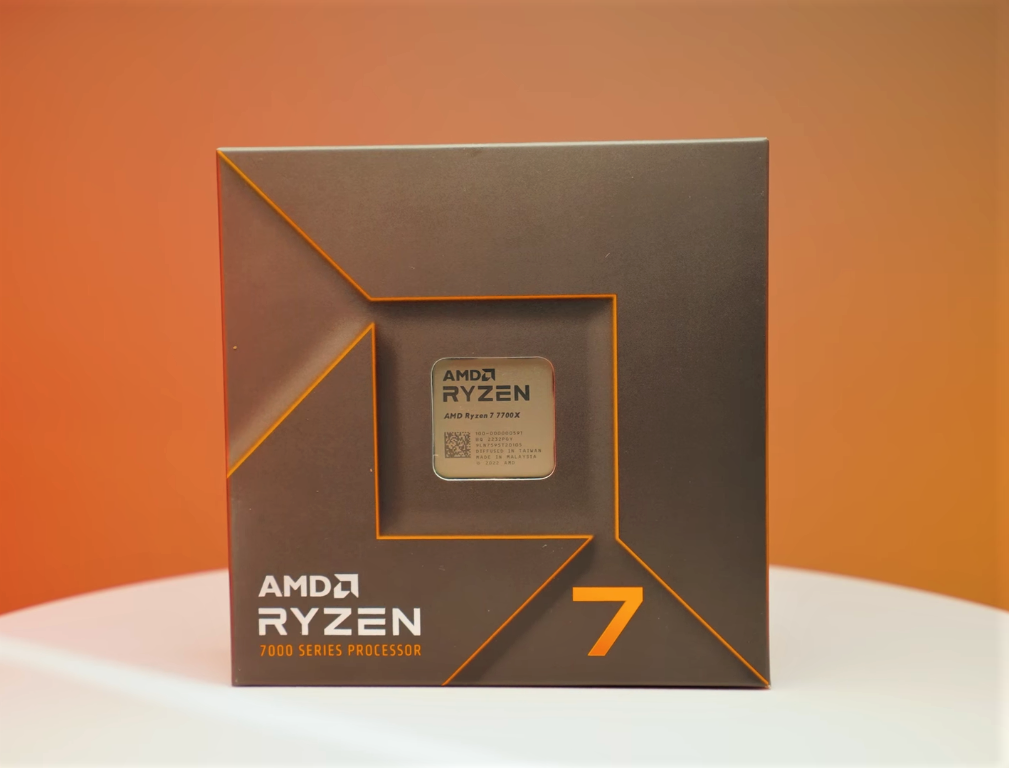
Processor
The system’s overall performance control by the processor serves as the computer’s brain. To play iRacing at high graphics settings, you need a machine with up to 8 cores. The processor must support the game and have a minimum of 4 cores, according to the official iRacing website.
Graphic Card
The most crucial element that affects your gaming experience is your graphics card. It improves graphics performance and video quality. Nvidia and AMD are the only companies you need to consider when buying an iRacing graphics card.
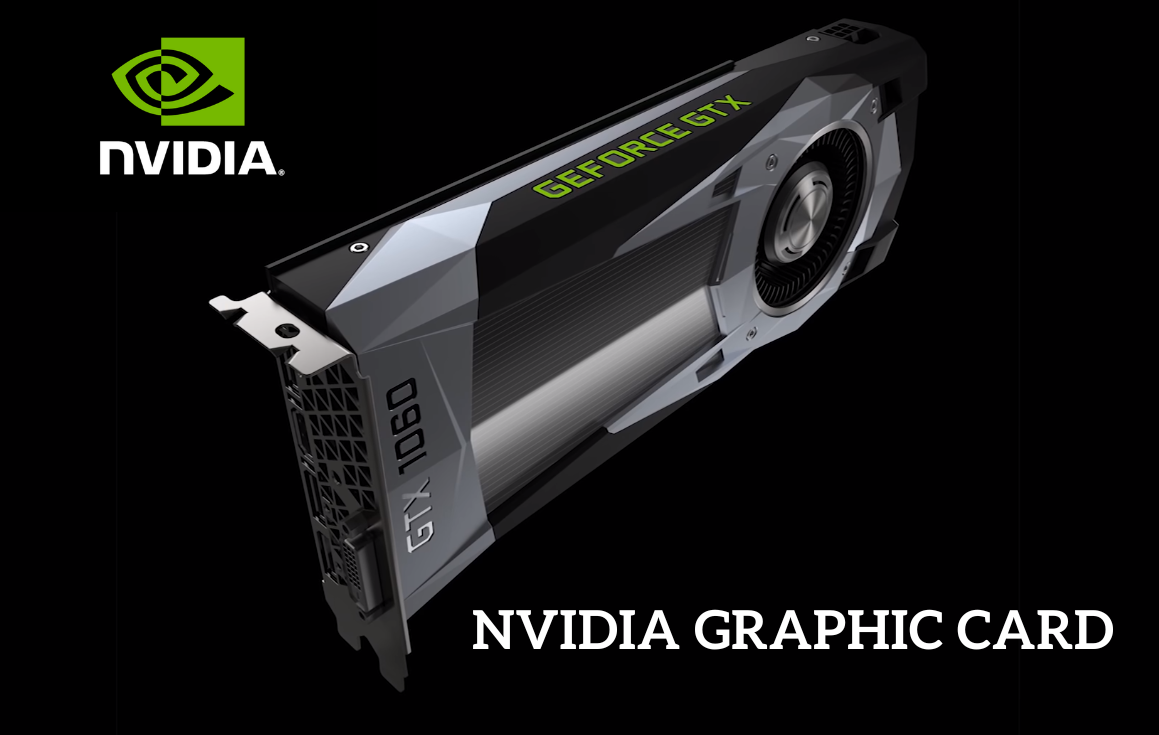
Additionally, a graphics card with at least 2GB of dedicated video RAM is required to play iRacing. Rich details and realistic game textures can experience with graphics cards with 8GB or more VRAM.
RAM
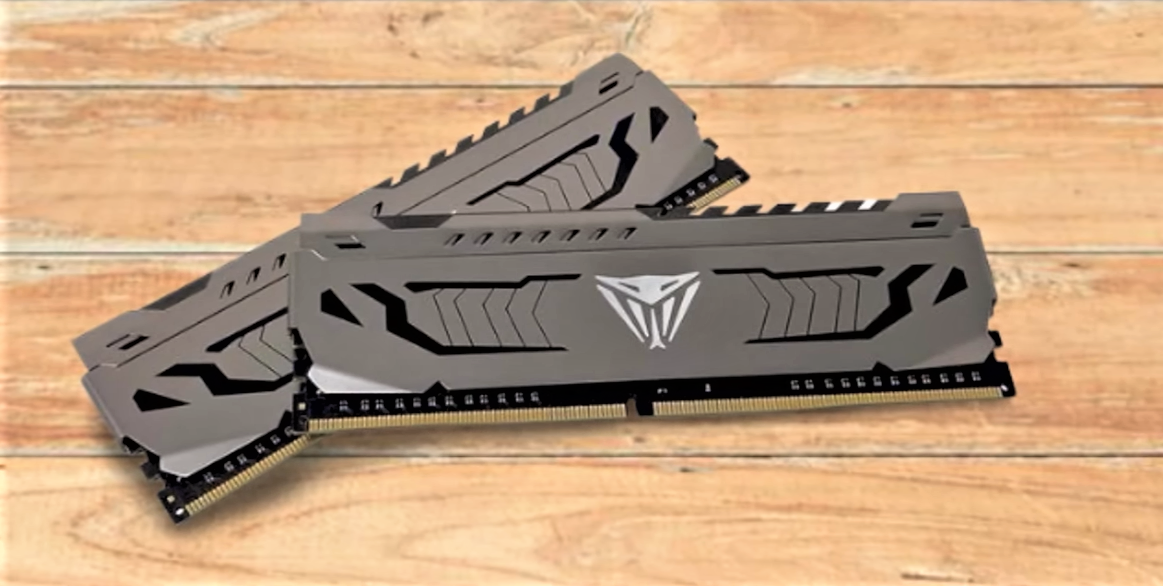
It is the computer’s memory, not the graphics card’s video memory. RAM makes the system more responsive and raises the frame rate for fluid gameplay. For a good experience, the computer should have at least 8GB of RAM. The most fluid gaming experiences come from 32GB and above RAM sizes.
Can I Play iRacing For Free?
Although iRacing can be downloaded free, driver accounts require a subscription and come with extra fees for vehicles, race tracks, and servers. It costs as little as $13/£10 for a single person to try it out with cars and tracks included and as much as $2,000/£1,400 for the whole iRacing experience.
What Are the Car Prices On iRacing?
Additional automobiles can purchase for a one-time fee of $11.95. Depending on the track, different tracks can purchase for a one-time cost of either $11.95 or $14.95. You have many offers for reduced vehicles and tracks for $2.95 to $4.95 a piece.
Can You Just Practice On iRacing?
You can choose a Practice, Time Trial, or Race session from this point. Similar to a test session with other drivers is a practice session. When you’ve had a chance to test the car and the track, enter a practice session to see how you perform in a race with other vehicles on the course.

With a background in mechanical engineering and over a decade in competitive sim racing, Kenji serves as our lead Sim Racing Physics & Hardware Analyst. He deconstructs complex topics like force feedback and suspension geometry, helping readers understand the crucial engineering behind a perfect lap time. Kenji’s passion is to translate real-world motorsport principles into actionable knowledge for the sim racing community.